
DTDC Merchant Login 2026: Customer Portal, Channel Partner & Booking Access Guide
If you’re a business shipper, franchise partner, or bulk seller using DTDC, you don’t book parcels the same way a regular customer does you use a dedicated merchant/customer login portal.
This page explains how to access the DTDC merchant login, what to do if you can’t log in, and who to contact if your ID or password isn’t working, so you never lose booking time over a login issue.
What is DTDC Merchant Login?
DTDC’s merchant login (also referred to as the customer or business portal) is a dedicated online account for registered business customers sellers, e-commerce shippers, and bulk clients who ship regularly through DTDC.
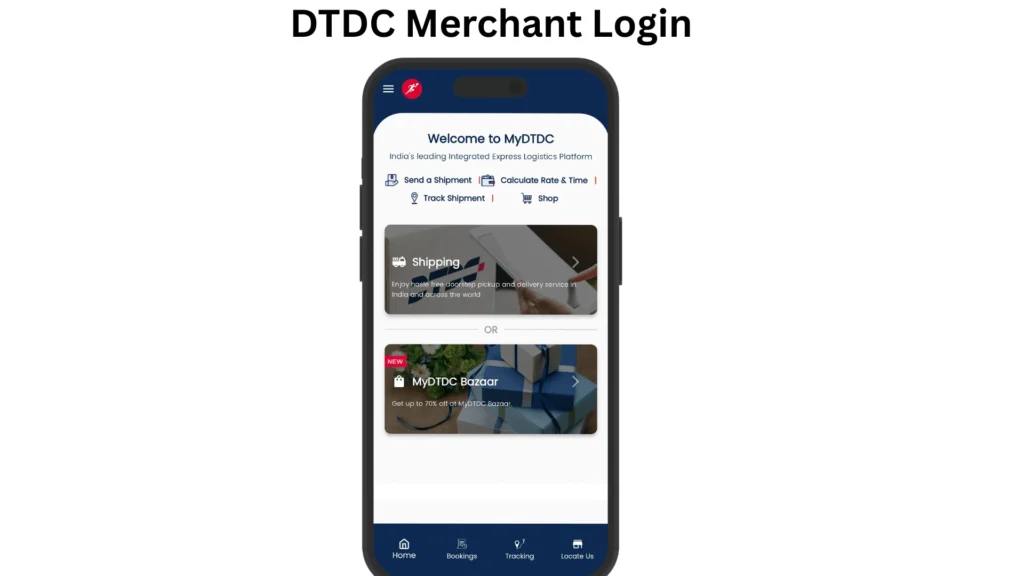
Unlike a one-time walk-in booking, a merchant account lets you manage shipments, download proof-of-delivery documents, and track bulk consignments from a single dashboard, without visiting a branch for every transaction.
Who typically uses this portal:
How to Access the DTDC Merchant/Customer Portal
The DTDC customer portal is reserved exclusively for existing DTDC Express customers, and your login ID and password are issued through your assigned Sales Representative rather than through open self-registration.
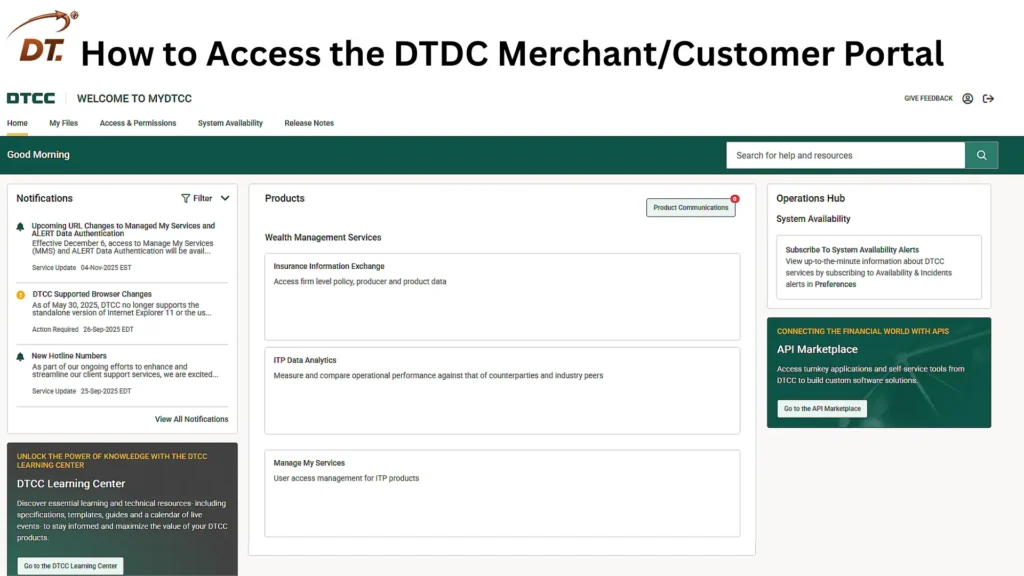
Steps to get merchant login access:
Tip: Save your Sales Representative’s direct contact number. For merchant accounts, they resolve login and account issues far faster than the general customer care line.
Types of DTDC Login Portals
DTDC’s official website lists separate self-service portals depending on who you are:
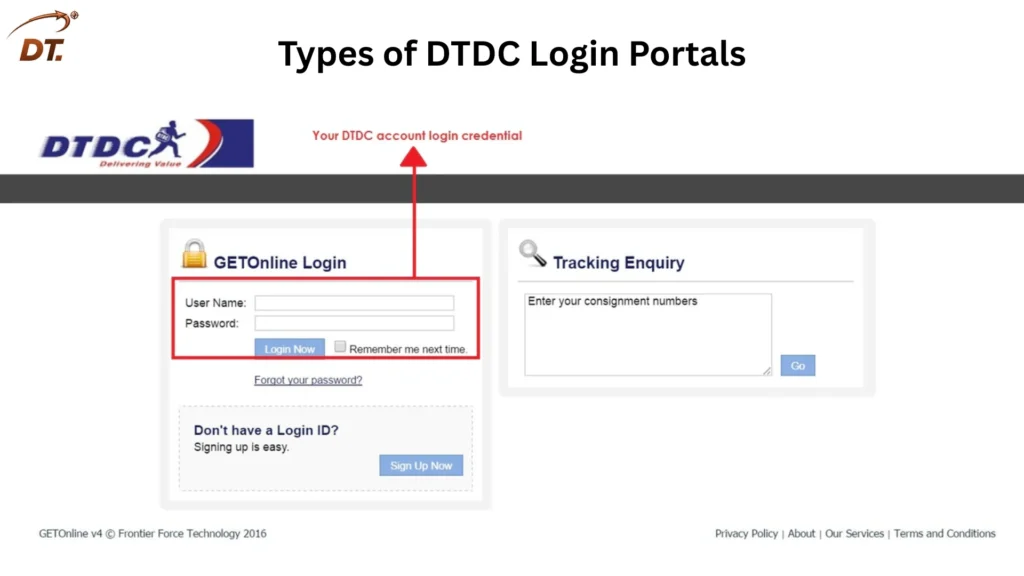
Why this matters: If you’ve been given the wrong portal link by mistake (customer vs. channel partner), you won’t be able to log in even with correct credentials always confirm which portal type matches your account with your Sales Representative before troubleshooting a “login failed” error.
What You Can Do After Logging In
Once inside the merchant/customer portal, registered business accounts can typically:
Common Merchant Login Issues & Fixes
Issue: Forgot password Use the “Forgot Password” option on the login page. If the reset link doesn’t arrive, contact your Sales Representative directly rather than waiting — merchant account resets are often handled outside the general customer care queue.
Issue: Login ID not working Confirm you’re using the exact ID provided at onboarding — merchant IDs are often case-sensitive and distinct from the mobile number or email you registered with.
Issue: Logged into the wrong portal type Double-check whether your account was set up as a Customer, Channel Partner, or Employee login — credentials for one do not work on another.
Issue: Account locked after multiple failed attempts This is a standard security measure. Wait for the lockout period to pass, or contact your Sales Representative to have it manually reset.
Issue: Portal loads but shipment data is missing This is usually a sync delay rather than a login problem — check again after a short interval, or confirm with customer support that your bookings were correctly linked to your merchant account.
Comparison Table: DTDC Login Portals
|
Portal Type |
Who It’s For |
Access Method |
Key Use |
|---|---|---|---|
|
Customer Login |
Business/bulk shipping customers |
ID & password from Sales Representative |
Bulk booking, billing, POD downloads |
|
Channel Partner Login |
Franchise/channel partners |
Issued during partner onboarding |
Managing bookings and pickups in their territory |
|
Employee Login |
DTDC internal staff |
Issued internally |
Internal operations (not for customers) |
So, the Customer Login portal is the right choice for most business shippers, because it’s specifically built for bulk booking, billing, and tracking while Channel Partner and Employee logins serve entirely different internal roles.
Tips for Merchant Account Holders
FAQs
How do I log in to the DTDC merchant portal?
Visit the official DTDC customer portal login page and enter the login ID and password issued to you at onboarding. This portal is meant for registered business customers with an existing shipping agreement, not for casual or one-time users.
Who provides the DTDC customer portal login ID and password?
Your assigned Sales Representative issues your login credentials once your business account is set up. There is no open self-registration option for this portal.
What is the difference between DTDC Customer Login and Channel Partner Login?
Customer Login is for registered business shippers who book bulk shipments and manage billing. Channel Partner Login is for DTDC’s franchise and channel partners who manage bookings and pickups within their territory. The two use separate credentials and cannot be interchanged.
What do I do if I forget my DTDC merchant login password?
Use the “Forgot Password” option on the login page to reset it. If the reset link does not arrive, contact your Sales Representative directly, since merchant account resets are often handled outside the general customer care queue.
Can I self-register for a DTDC merchant account without a Sales Representative?
No. Merchant accounts are issued only after a business onboarding process, and your login credentials are provided by your Sales Representative rather than through open self-registration.
Why is my DTDC merchant login showing an “invalid credentials” error?
This usually happens when you enter the wrong login ID, use outdated credentials, or try logging into the wrong portal type, such as using Channel Partner details on the Customer Login page. Confirm your exact login ID and correct portal with your Sales Representative.
Can I download Proof of Delivery documents from the merchant portal?
Yes. Registered business accounts can access and download Proof of Delivery (POD) documents directly from their dashboard for completed shipments.
Is the DTDC Employee Login the same as the Customer Login?
No. Employee Login is an internal portal meant only for DTDC staff and is completely separate from the Customer Login used by business shippers.
What should I do if my DTDC merchant account gets locked?
Account locking after multiple failed login attempts is a standard security measure. Wait for the lockout period to pass, or contact your Sales Representative to have the account manually reset.
Who do I contact for merchant login issues, customer care or my Sales Representative?
For account-specific issues like login resets or credential problems, your Sales Representative is the faster and more direct contact. Use general customer care for broader service queries not related to your merchant account access.
FINAL THOUGHTS
Merchant login issues almost always come down to one of three things: using the wrong portal type, an outdated registered mobile number or email, or simply needing your Sales Representative to reset access rather than waiting on the general helpline. I’d genuinely recommend keeping your Sales Representative’s direct contact saved — for anything account-specific, they resolve merchant login problems far faster than the general customer care channel.
If your issue involves a booking or billing discrepancy rather than just login access, it’s worth raising it as a separate query so it doesn’t get lost while your login problem is being sorted out.